
// For kite schools and camps
Video analysis your students keep.
Draw on the frame, show the bar, and send every student their video analysis the same evening. It’s a page with your school’s name on it, and they don’t need an app.
// How it works
Film today. Send tonight.
- 01
Film
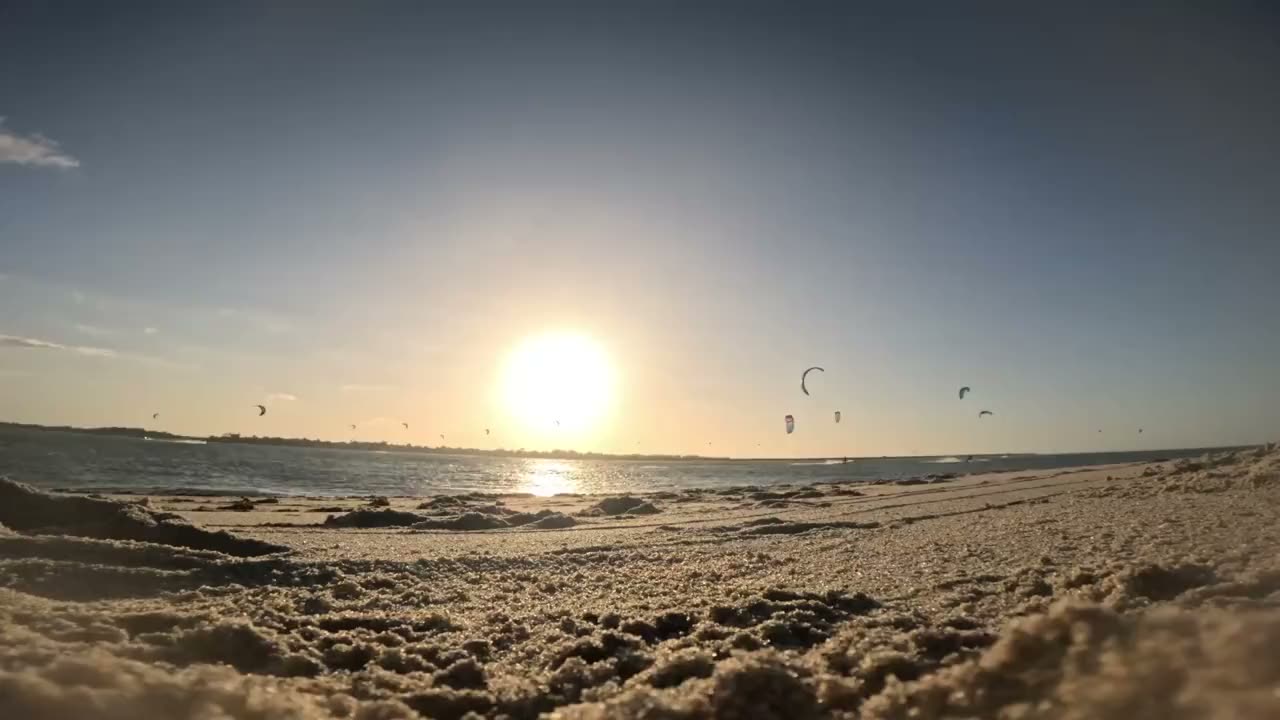
Phone, GoPro or drone. Back at the school, put the day’s videos in the library and tag who’s in each one.
Video library · TodayUploading 3/6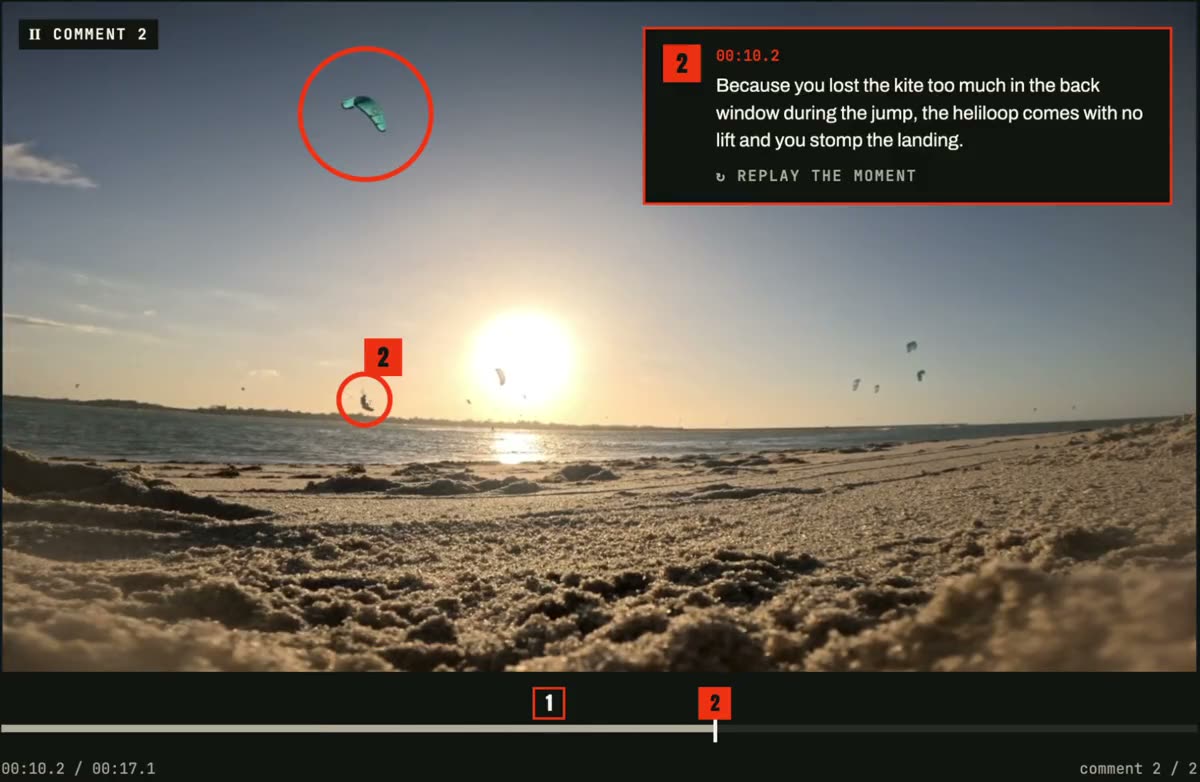 0:42
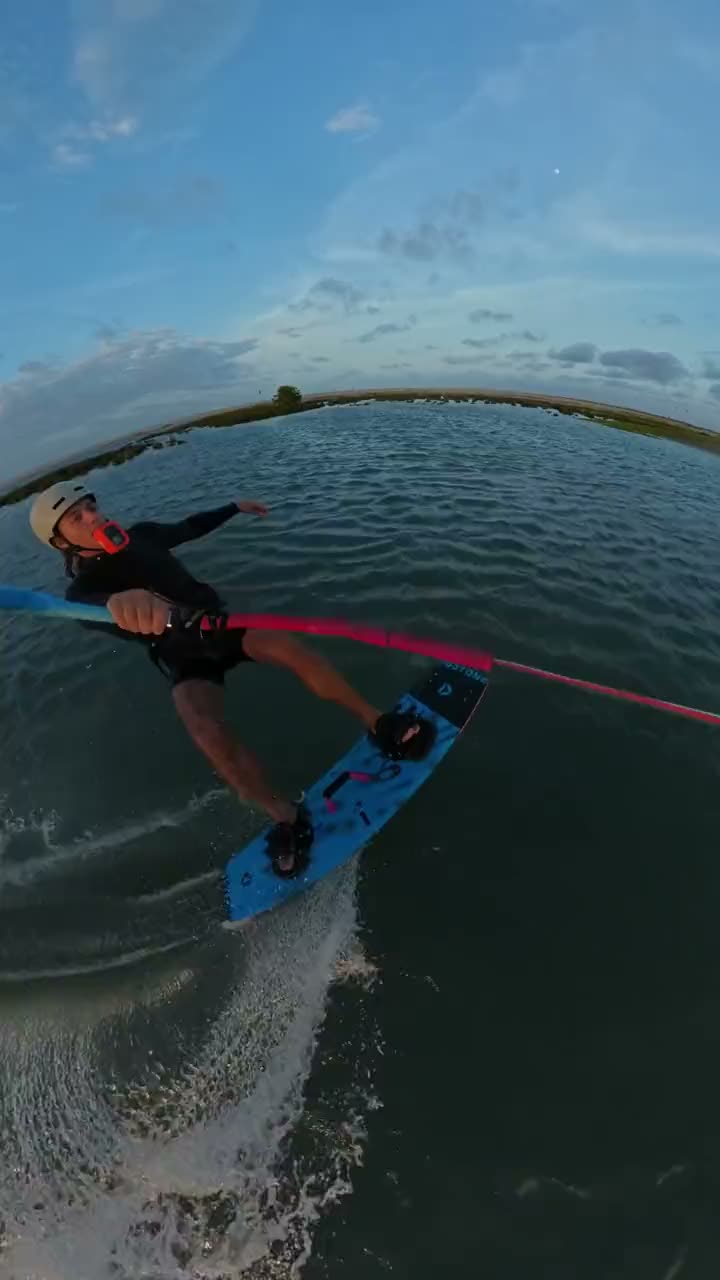 1:15
 0:28GOPRO_0412DJI_0088
- 02
Mark it up
Draw on the frame, show the bar, slow it down, pin a note to the moment.
200:09.4 / 00:44.00.25×A–B loop - 03
Send
The student gets an email with a link and watches it in the browser.
From Salt Line Kite SchoolTo marta.ruiz@example.comSLYour video analysis from today, MartaWatch your video analysis✓ Sent 18:42
// The studio
Every clip, frame by frame
Step through the clip, stop on the frame, draw on it and say what you see. Laptop, tablet or phone.
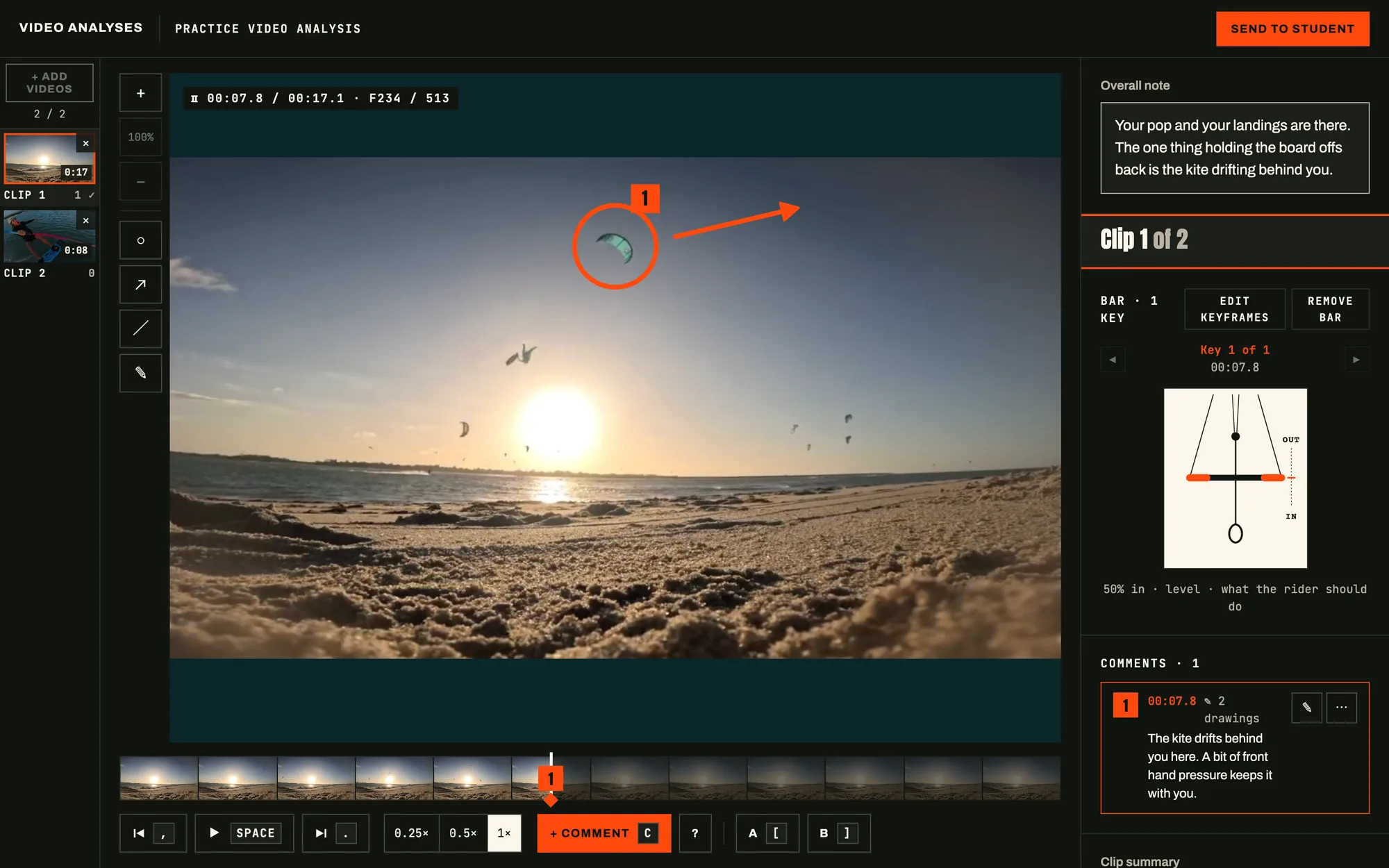
// Sample video analysis
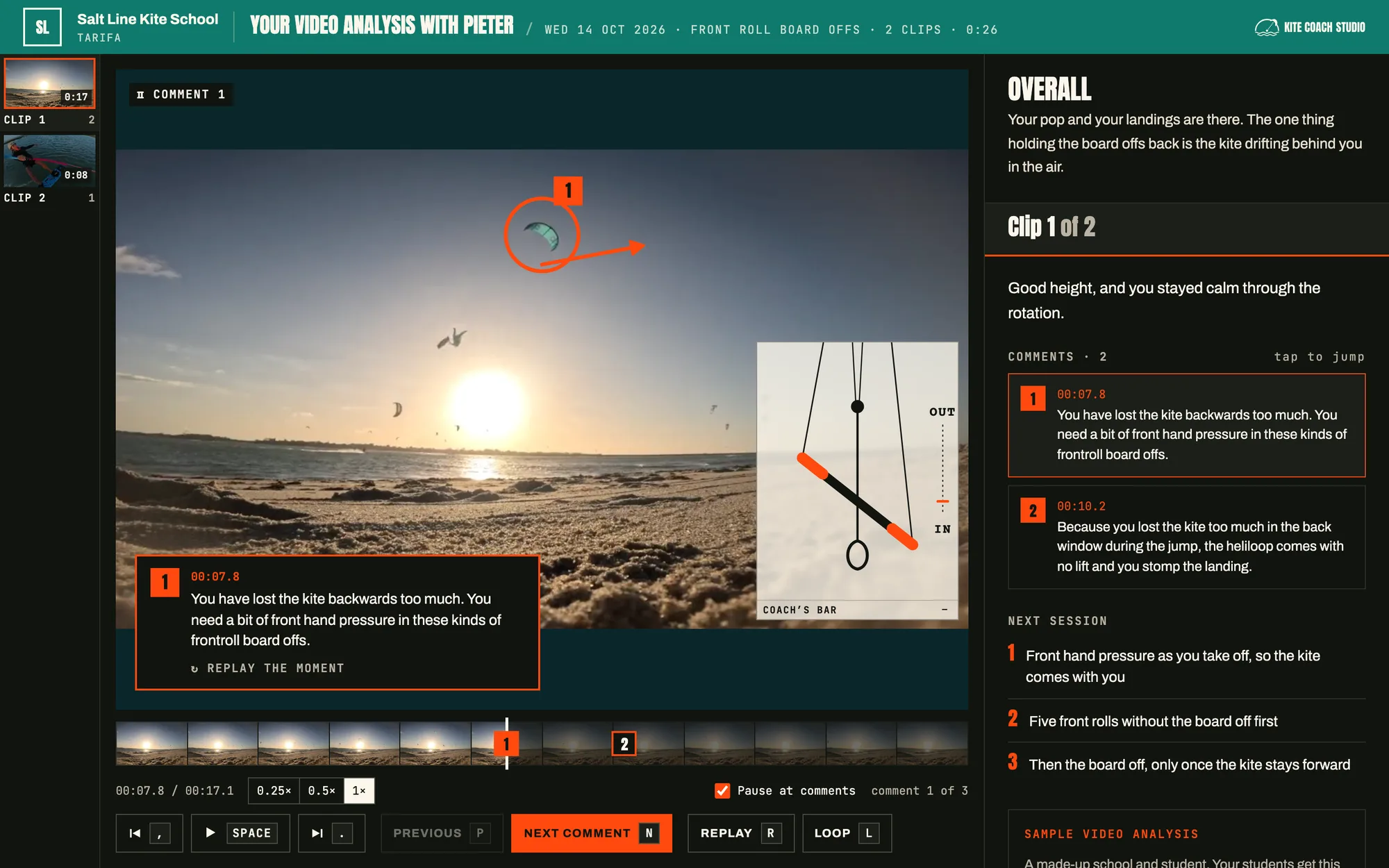
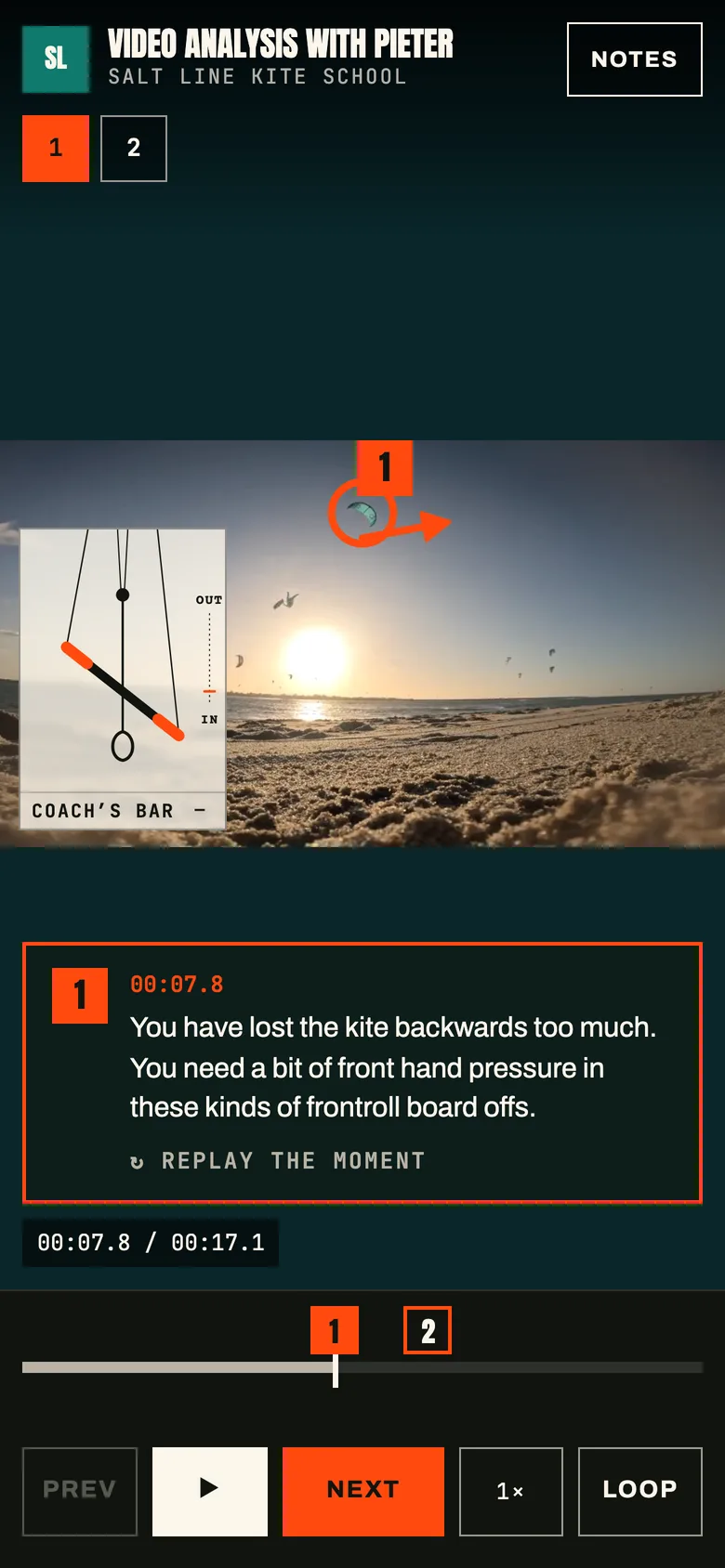
What the student sees
A private page for each student, under your school’s name. Plays in any browser.
- ANotes on the frameThe video stops on the moment, with your drawing on it.
- BThe coach’s barWhat the hands should do, moving with the kite.
- CNext stepsWhat to work on in the next lesson.
// For your school
What your school gets
Students see what you saw
The moment on video, instead of trying to remember it on the walk back.
Every lesson, one timeline
Each student’s video analyses in one place, so you can see how far they’ve come since the first day.
Upload once, tag later
Put the day’s footage in the video library and tag who’s in each clip. It lands in their video analysis.
Works without beach wifi
Install it on the school laptop and work offline at the spot. It syncs when you’re back online.
Your whole team
Invite every coach. Each one sees their own video analyses; owners and admins see them all.
On a phone too
Comment and draw on a clip between lessons, straight from your phone.
// Built for kite
Made for kitesurfing
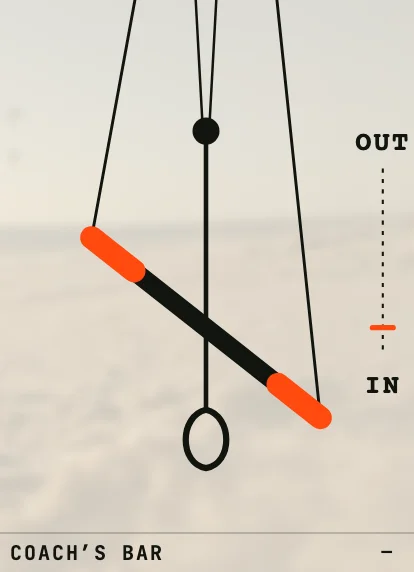 Sheeted in · steering
The bar
Set the bar at any frame. It moves on the video, next to the kite.
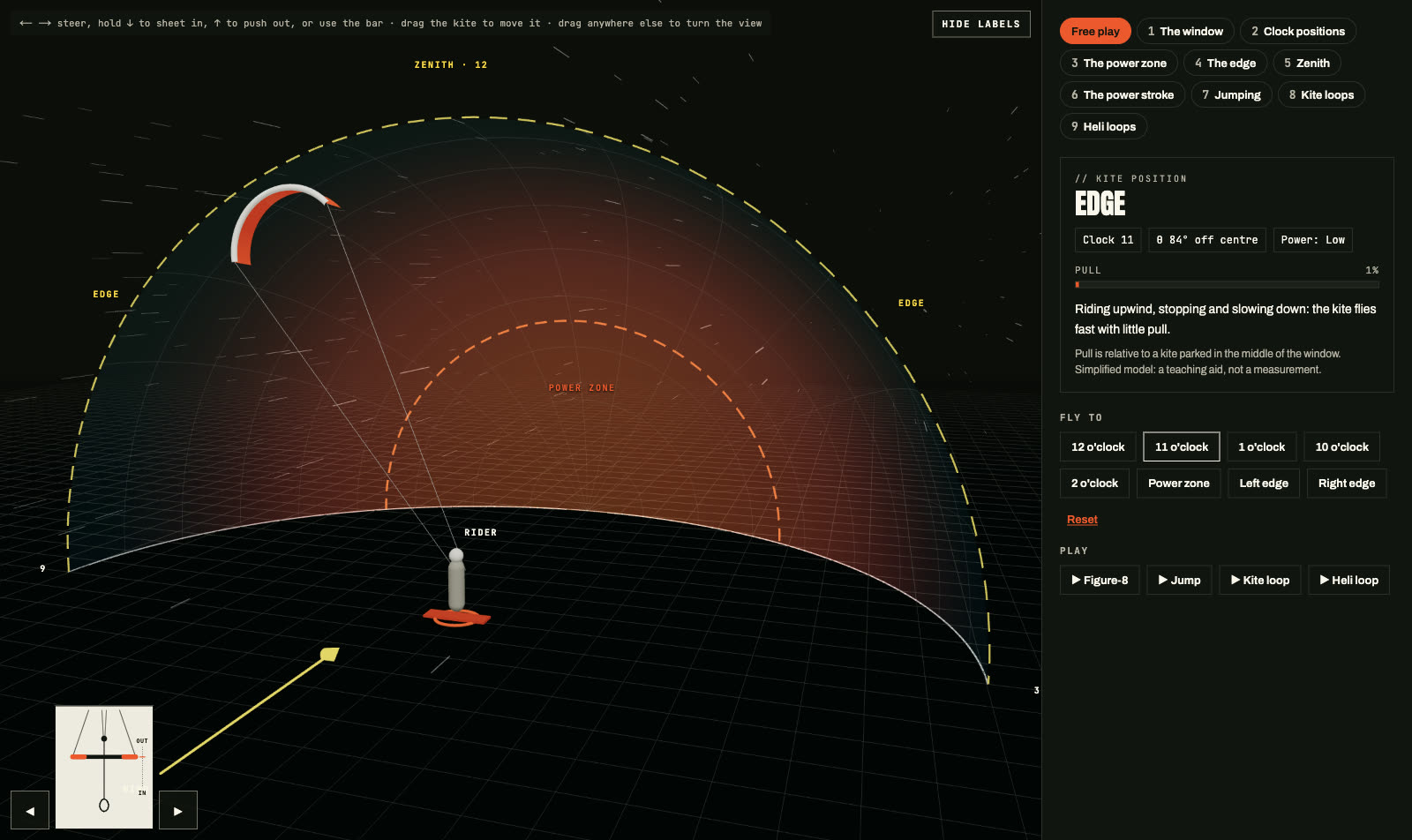 Kite · 2 o’clock
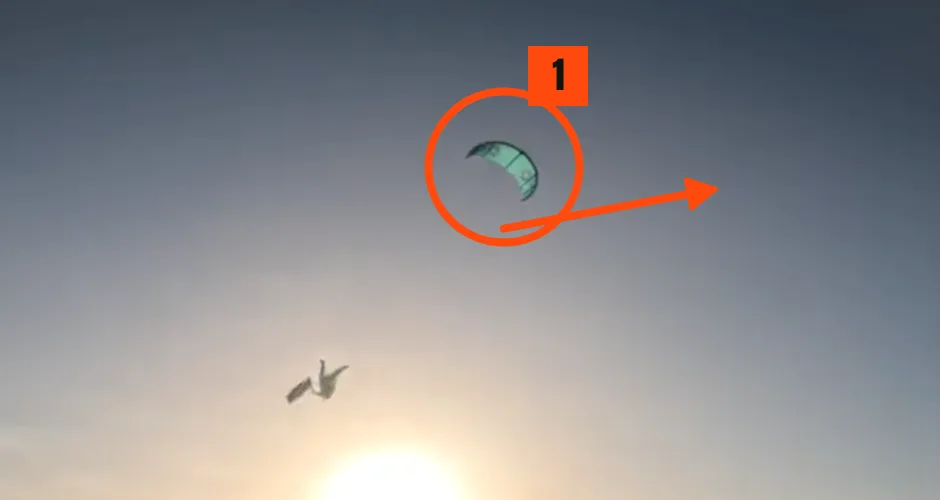
Drawings
Circle, arrow, line or freehand on the frame.
Slow motion
Loop any moment at quarter speed.
// Run camps?
The evening analysis, sent before they fly home
Every rider leaves the camp week with their own video analysis, under your camp’s name.
Do students need an account?
No. They get an email and open the video analysis from the link. If the link has expired, they sign in with a code sent to their email.
Does it work without internet at the spot?
Yes, on a laptop. Install Kite Coach Studio from Chrome or Edge and press Work offline: add videos, comment and draw as usual. Your work syncs when you’re back online.
Can coaches practise before a real lesson?
Yes. Every coach gets a practice video analysis on our videos, with a short guided tour. Nothing in it is saved or sent.
What can we film with?
Anything that records video: phones, GoPros, drones. Long videos are fine; you keep the part that matters.
How many coaches can use it?
As many as you have. Each coach sees their own video analyses; owners and admins see everything.
How long do students keep their video analyses?
While your school uses Kite Coach Studio.
Try it on a few lessons
Free for the 2026/27 season, for a small group of schools.
Already in? Sign in